


Search


Highlights
Product Description





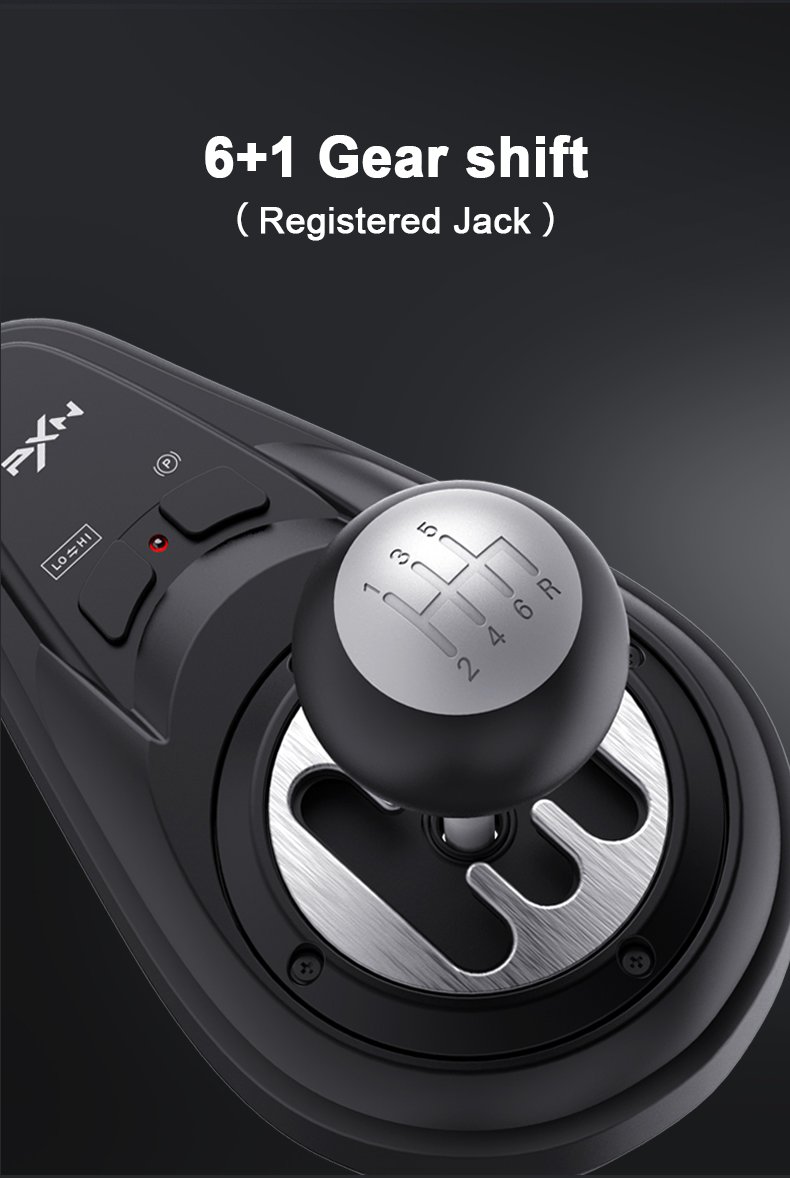
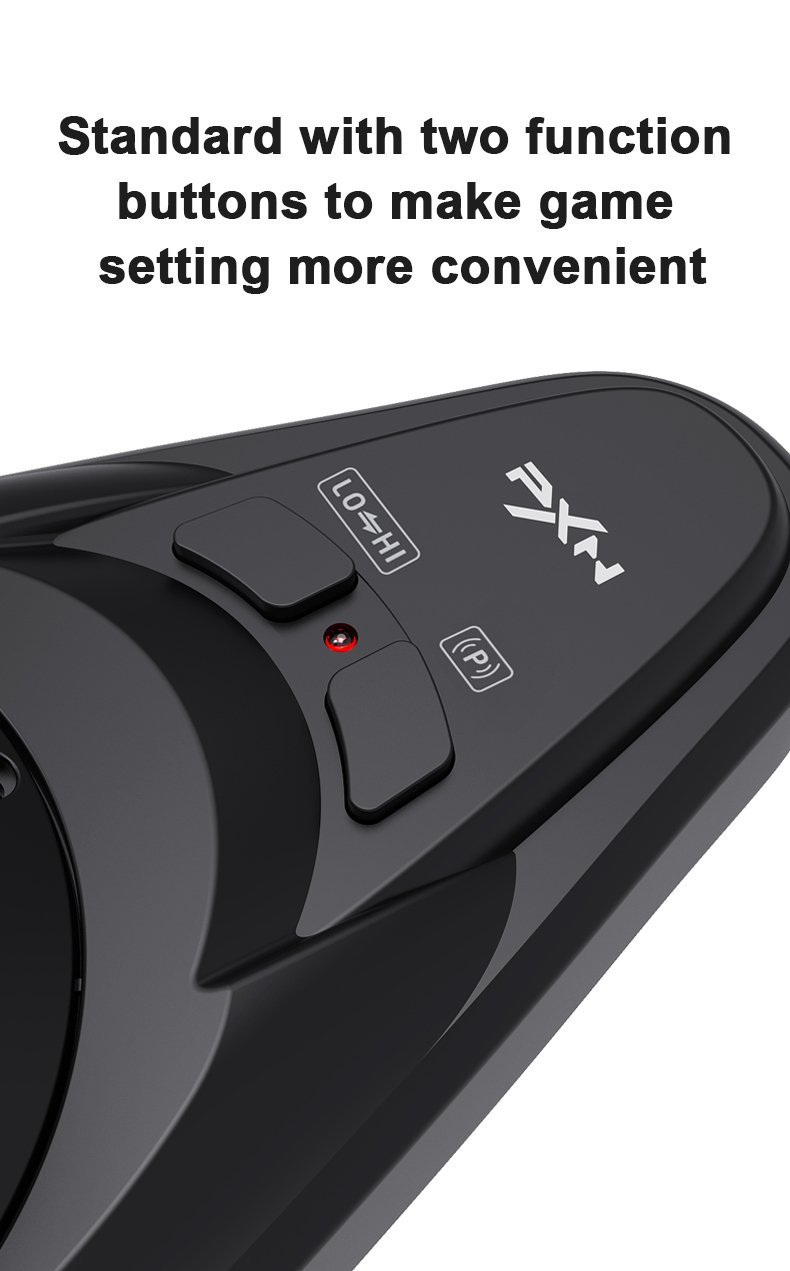
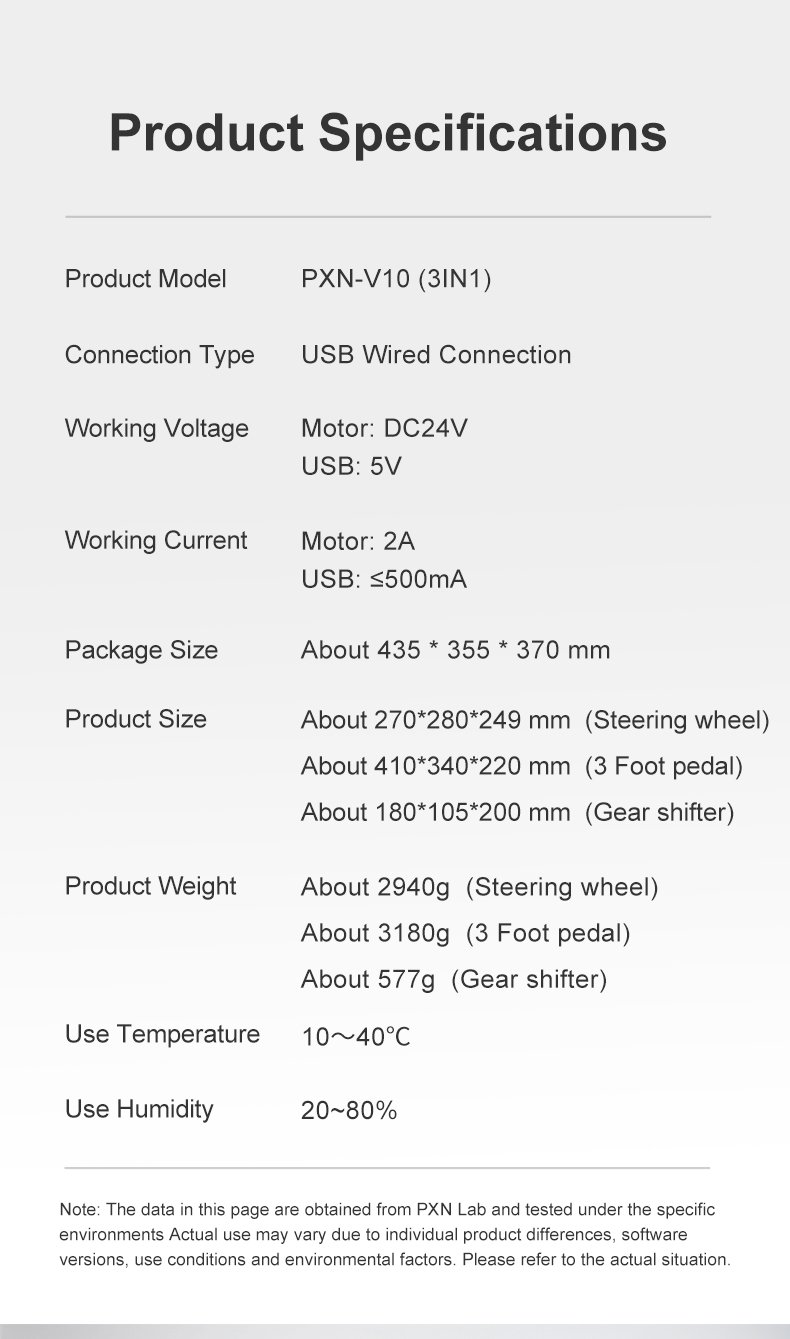
System Requirements:
PC / PS4 / X-ONE / X-Series X|S Compatible computer operating systems : Windows 7 / 8 / 10 / 11 Note: Original controller should be used for guidance while playing on PS4 and X-ONE / X-Series X|S platforms
Instruction for Playing on Pc
Step 1 Connect the gear shift and foot pedals to the steering wheel.
Step 2 Fix the steering wheel and connect it to the power adapter.
Step 3 Plug the USB main cable of the steering wheel to the PC.
Step 4 The steering wheel will be in D-input mode by default if successfully connected, and the red indicator on the steering wheel will be always on.
Instruction for Playing on PS4
Step 1 Connect the gear shift and foot pedals to the steering wheel.
Step 2 Securely install the steering wheel and connect to the power adapter.
Step 3 Turn off the PS4 original controller and use the USB data cable to connect the controller to the controller interface of the steering wheel.
Step 4 Plug the USB main cable of the steering wheel into the USB port of the PS4 host, and turn on the PS4 host.
Step 5 Press the “ ” button of the steering wheel and the blue indicator of the steering wheel will be always on if connected successfully
What's in the Box
Warranty
Highlights
Product Description
System Requirements:
PC / PS4 / X-ONE / X-Series X|S Compatible computer operating systems : Windows 7 / 8 / 10 / 11 Note: Original controller should be used for guidance while playing on PS4 and X-ONE / X-Series X|S platforms
Instruction for Playing on Pc
Step 1 Connect the gear shift and foot pedals to the steering wheel.
Step 2 Fix the steering wheel and connect it to the power adapter.
Step 3 Plug the USB main cable of the steering wheel to the PC.
Step 4 The steering wheel will be in D-input mode by default if successfully connected, and the red indicator on the steering wheel will be always on.
Instruction for Playing on PS4
Step 1 Connect the gear shift and foot pedals to the steering wheel.
Step 2 Securely install the steering wheel and connect to the power adapter.
Step 3 Turn off the PS4 original controller and use the USB data cable to connect the controller to the controller interface of the steering wheel.
Step 4 Plug the USB main cable of the steering wheel into the USB port of the PS4 host, and turn on the PS4 host.
Step 5 Press the “ ” button of the steering wheel and the blue indicator of the steering wheel will be always on if connected successfully
What's in the Box
Warranty