


Search


Highlights
Product Description
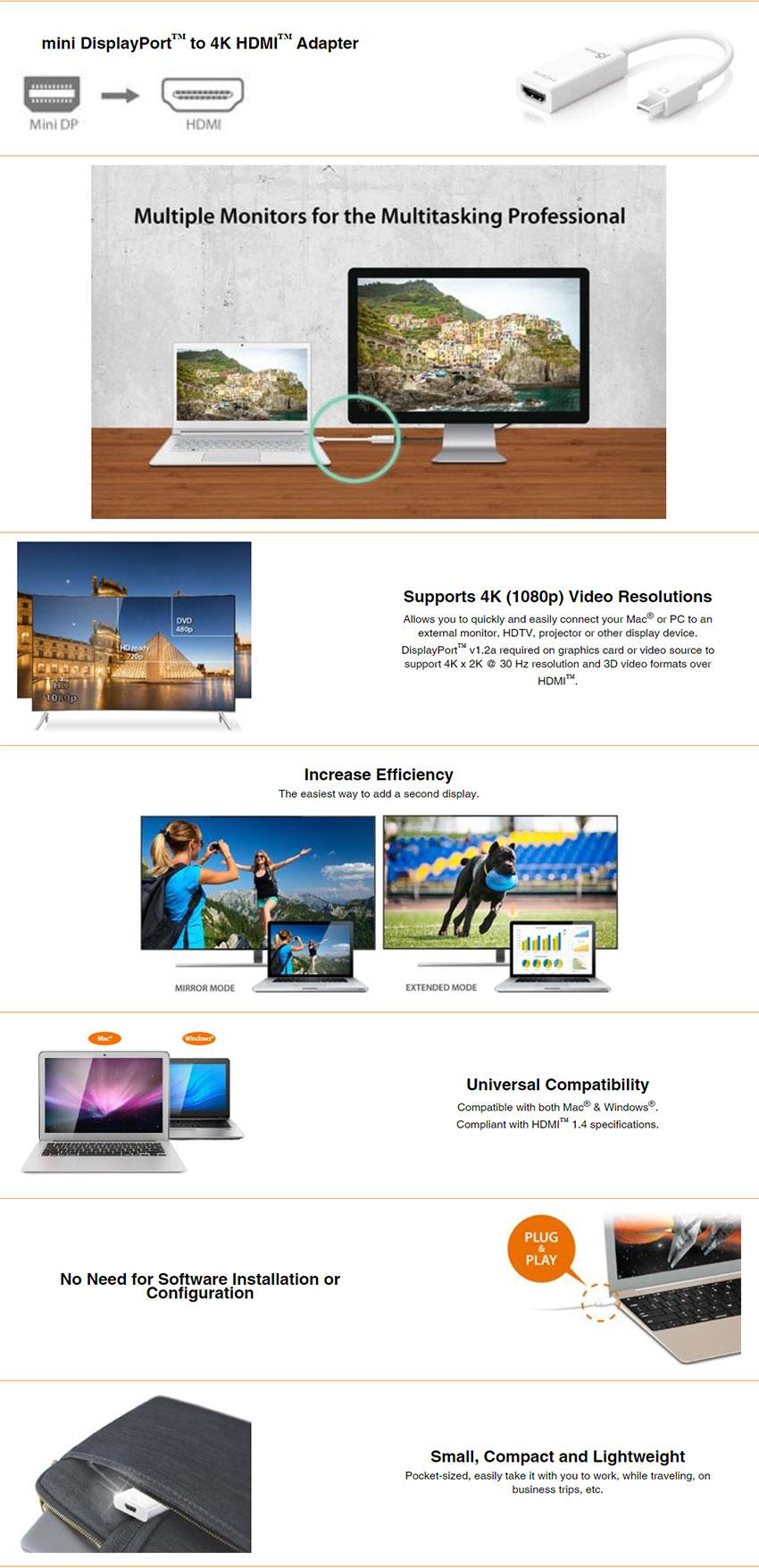
The JDA159 adapter allows you to quickly and easily connect your Mac® or PC to a 4K HDTV or other display device using an HDMI™ input. First connect the JDA159 to your computer. Then plug your existing HDMI™ cable from your display into the mini DisplayPort™ adapter. Compatible with both DisplayPort™ 1.2 and Thunderbolt™ 2, our JDA159 quickly converts the DisplayPort™ video signal into an HDMI™ signal, and with its plug-and-play technology there is no need to download any drivers.
Once you’ve experienced multiple monitors, you’ll never want to go back to a single monitor again.
Specifications
| Interface | |
| Host Interface | mini DisplayPort™ Male Connector |
| Video & Audio Interface | HDMI™ Female Connector |
| Converter Type | Passive |
| Physical Specifications | |
| Housing Material | Plastic |
| Dimensions | Main body: 0.83 (W) x 1.33(H) x 0.47(D) inch 21(W) x 45(H)x12(D) mm Cable length: 4.9 inch (125 mm) |
| Weight | Approximately 19g |
System requirements
• Available mini DisplayPort™ 1.2 or Thunderbolt™ 2
• DP++™ port (Dual Mode DisplayPort™) required on graphics card or video source
• (DVI and HDMI™ pass-through must be supported)
• DisplayPort™ v1.1a or Thunderbolt™ 1 have a maximum resolution of up to 2560 x 1200
• Mac® models with Thunderbolt™ 2
• MacBook Pro® (Retina, Late 2013 and later)
• Mac Pro® (Late 2013)
• iMac® (Retina 5K, 27-inch, Late 2014)
• Mac® mini (Late 2014)
What's in the box
Warranty

Highlights
Product Description
The JDA159 adapter allows you to quickly and easily connect your Mac® or PC to a 4K HDTV or other display device using an HDMI™ input. First connect the JDA159 to your computer. Then plug your existing HDMI™ cable from your display into the mini DisplayPort™ adapter. Compatible with both DisplayPort™ 1.2 and Thunderbolt™ 2, our JDA159 quickly converts the DisplayPort™ video signal into an HDMI™ signal, and with its plug-and-play technology there is no need to download any drivers.
Once you’ve experienced multiple monitors, you’ll never want to go back to a single monitor again.
Specifications
| Interface | |
| Host Interface | mini DisplayPort™ Male Connector |
| Video & Audio Interface | HDMI™ Female Connector |
| Converter Type | Passive |
| Physical Specifications | |
| Housing Material | Plastic |
| Dimensions | Main body: 0.83 (W) x 1.33(H) x 0.47(D) inch 21(W) x 45(H)x12(D) mm Cable length: 4.9 inch (125 mm) |
| Weight | Approximately 19g |
System requirements
• Available mini DisplayPort™ 1.2 or Thunderbolt™ 2
• DP++™ port (Dual Mode DisplayPort™) required on graphics card or video source
• (DVI and HDMI™ pass-through must be supported)
• DisplayPort™ v1.1a or Thunderbolt™ 1 have a maximum resolution of up to 2560 x 1200
• Mac® models with Thunderbolt™ 2
• MacBook Pro® (Retina, Late 2013 and later)
• Mac Pro® (Late 2013)
• iMac® (Retina 5K, 27-inch, Late 2014)
• Mac® mini (Late 2014)
What's in the box
Warranty